How to Convert Images to PSD (Photoshop Format) Online
A client, print vendor, or design brief asking for a "PSD file" usually means one of two very different things: either they want a flat image saved with a .psd extension so it opens directly in Photoshop, or they want an actual layered, editable working file. Knowing which one you're being asked for changes what "converting to PSD" can realistically deliver.
What Is a PSD File?
PSD (Photoshop Document) is Adobe Photoshop's native file format, built to store not just pixel data but the full editing structure of an image — layers, layer masks, adjustment layers, blending modes, text layers (still editable as text), and more. This is what makes PSD fundamentally different from a flat format like JPG or PNG: it's designed to preserve an editable working file, not just a final rendered image.
The Key Distinction: Flat PSD vs. Layered PSD
This is the detail that matters most when converting to PSD:
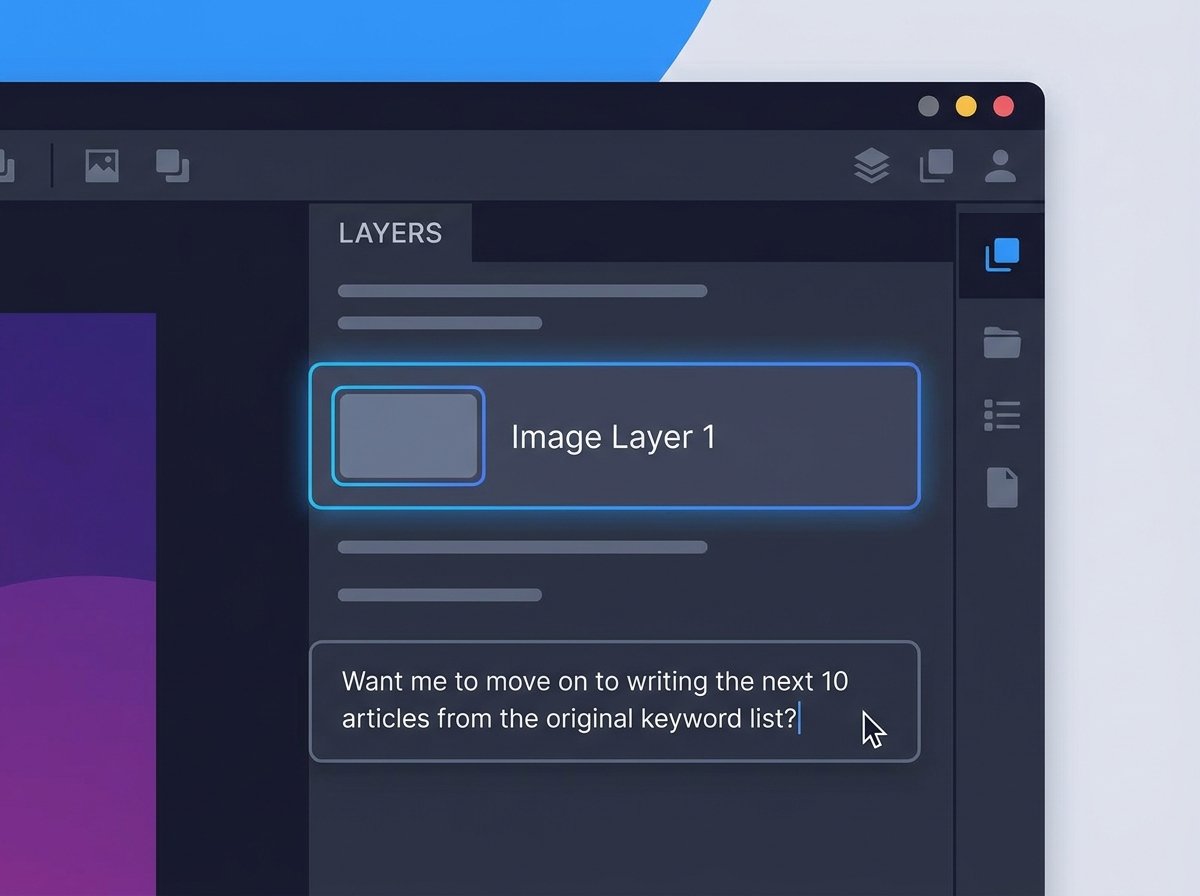
- A flat image converted to PSD (like a JPG or PNG saved with a .psd extension) opens correctly in Photoshop and any software that reads PSD, but it contains only a single flattened layer — the same pixel data as the original image, just packaged differently.
- A "true" layered PSD with separate, editable layers only exists if it was built that way in Photoshop (or another layer-aware editor) from the start. Converting a single flat image into PSD cannot generate layers, masks, or editable text that were never there — there's no way to reverse-engineer a design's original layer structure from its final flattened output.
If someone asks you for "the PSD" of a design and means the fully editable source file, only the original working file (or a re-created one) will satisfy that request — a straight image-to-PSD conversion won't.
When Converting a Flat Image to PSD Is Exactly What You Need
- Print vendors and packaging companies that specifically request files in .psd format as their standard intake, even for flat artwork.
- Software or plugins that only accept PSD as an input format, regardless of whether the source has layers.
- Building a new working file — converting a flat image to PSD gives you a starting point you can then add new layers, adjustments, and masks to in Photoshop.
- Archiving in a Photoshop-native format for consistency across a design team's file library.
How to Convert an Image to PSD Online
Using a free online image to PSD converter:
- Upload your image (JPG, PNG, or another common format).
- Select PSD as the output format.
- Convert the file.
- Download the .psd file — it will open directly in Photoshop as a single-layer document, ready for further editing.
This gets you a valid, Photoshop-compatible starting point fast, without needing Photoshop installed just to resave a file with a different extension.
PSD vs. Other Formats: Quick Comparison
| Feature | JPG/PNG | PSD |
|---|---|---|
| Layers | No (flattened) | Yes, if built with them |
| Editable text | No | Yes, if text layers exist |
| File size | Smaller | Larger, especially with many layers |
| Software needed to edit | Any image editor | Photoshop (or compatible software) |
| Best for | Final, shareable images | Working/editable design files |
Common Misunderstandings When Requesting or Converting to PSD
- Expecting layers that never existed. If your source is a flat JPG, no converter can create layers, masks, or editable text — those need to be built manually after conversion.
- Assuming a .psd file guarantees editability. A single-layer PSD is technically valid but offers the same editing limitations as the flat image it came from, until you add new layers yourself.
- Confusing PSD with PSB. PSB (Photoshop Big) is a variant for extremely large documents beyond PSD's size limits — most standard conversions don't need this.
Frequently Asked Questions
Will my converted PSD file have layers?
No, unless the source image already had a layered structure. Converting a flat JPG or PNG to PSD produces a single-layer file with the same visual content, not a multi-layer editable document.
Can I edit a PSD file without Photoshop?
Yes — several alternative editors, including GIMP and Affinity Photo, can open and edit PSD files, though layer effect fidelity can sometimes vary between programs.
Why would a print vendor want a PSD instead of a JPG?
Some print production workflows standardize on PSD as their intake format for consistency across file types, even when the source content is a flat image rather than a layered design.
Is there a quality loss when converting to PSD?
No. PSD supports lossless storage, so converting a JPG or PNG to PSD doesn't degrade image quality — though it also won't recover any quality already lost from prior JPG compression.
Is converting an image to PSD free?
Yes — tools like the one on hashamismm.online let you convert images to PSD for free, without a Photoshop license.
Convert Your Image to PSD
Whether you need a Photoshop-compatible file for a print vendor or a starting point for further editing, converting is quick. Use the free online image to PSD converter to get your file ready in seconds.