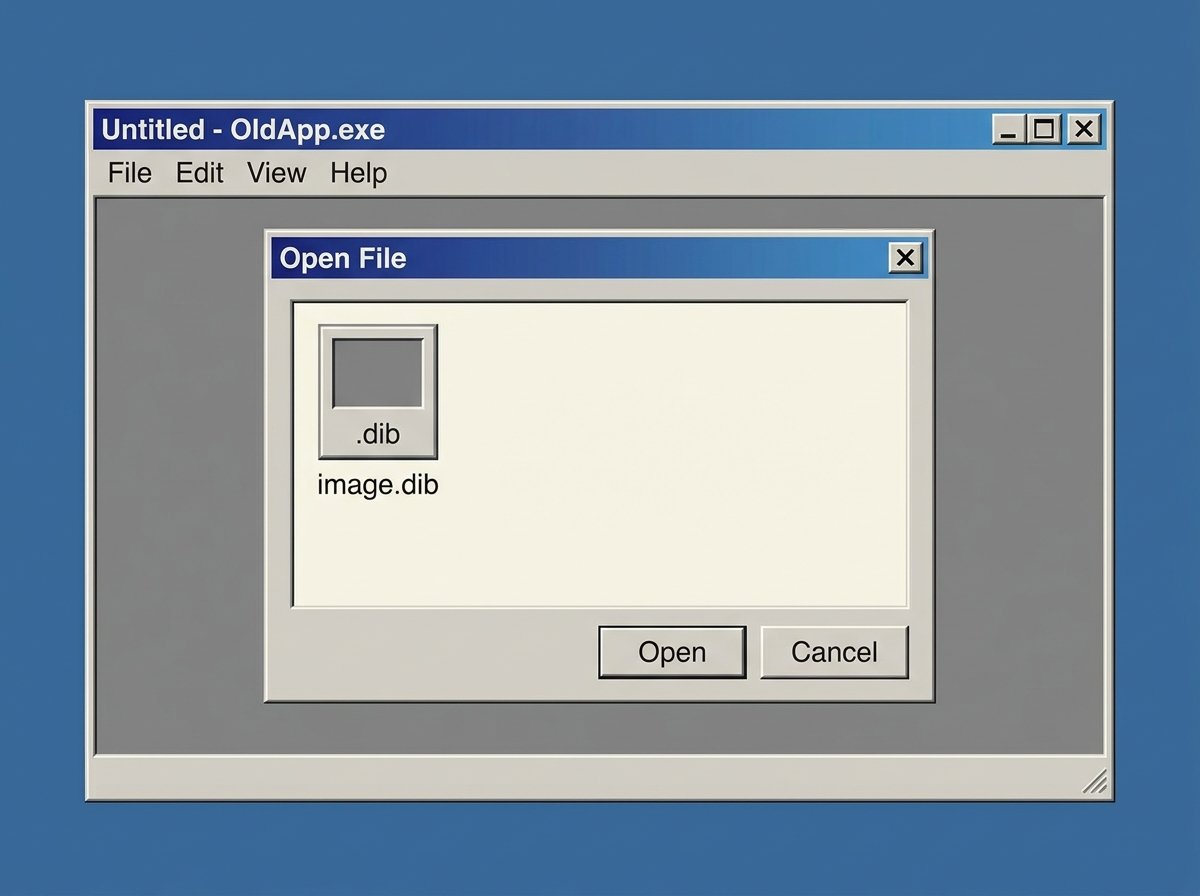
How to Convert Images to DIB Format
DIB shows up in one very specific situation: you're working with a Windows application — often something related to clipboard operations, printing, or older Win32 software — and it wants a .dib file instead of the .bmp you already have. The confusing part is that DIB and BMP are almost the same thing. Here's what's actually different, and how to convert.
What Is a DIB File?
DIB (Device-Independent Bitmap) is a raster image format defined by Microsoft as part of the Windows GDI (Graphics Device Interface). It's closely related to BMP — in fact, a standard BMP file is essentially a DIB with a specific file header attached. The "device-independent" part refers to how color information is stored: DIB uses a color table that can be interpreted correctly regardless of the specific display hardware, rather than tying colors to a particular device's palette.
Because of this close relationship, some software distinguishes between the two by file extension alone — a .dib file often has no BMP file header, making it slightly smaller and meant purely for in-memory or clipboard operations within Windows applications, rather than as a standalone file for general use.
DIB vs. BMP: What's the Actual Difference?
| Aspect | BMP | DIB |
|---|---|---|
| File header | Includes full BMP file header | Often header-less, GDI-native structure |
| Primary use | Standalone image file, general storage | Windows clipboard operations, GDI rendering |
| Compatibility | Universally recognized by image viewers | Mostly used within Windows applications |
| File size | Slightly larger (extra header) | Slightly smaller |
In practice, most people who need a DIB file are working with a specific piece of Windows software — old accounting programs, CAD tools, or printer utilities — that explicitly asks for that extension rather than BMP.
When You Need to Convert to DIB
- Legacy Windows applications that import images through GDI and specifically expect the .dib extension.
- Clipboard-based image transfers in older software where copy-paste operations rely on the DIB format internally.
- CAD and technical drawing tools that were built around the Windows GDI stack and never added modern format support.
- Print drivers and utilities from the Windows XP/7 era that still handle image data as raw DIB.
How to Convert an Image to DIB Online
Since DIB isn't natively exportable from most modern editors, an online image to DIB converter is the simplest route:
- Upload your source image (PNG, JPG, or BMP all work as starting points).
- Select DIB as your output format.
- Convert the file.
- Download the .dib file and use it directly in the Windows application that requires it.
Because DIB and BMP are structurally so similar, the conversion process is fast and doesn't involve any real compression trade-offs — you're not losing image quality by converting to DIB.
Common Issues When Working with DIB Files
- "Unrecognized file type" errors. Some modern software genuinely has no DIB support at all, even though it can open BMP. If this happens, try renaming a converted BMP file to .dib as a quick test — many older Windows tools will accept it.
- Color palette mismatches. Since DIB relies on a device-independent color table, images converted from a color-managed source (like a CMYK print file) can shift slightly. Convert from an RGB source when possible.
- Confusing DIB with "raw" formats. DIB is not the same as a camera RAW file — despite the similar-sounding name, it's a fully processed bitmap format, not sensor data.
Frequently Asked Questions
Is DIB the same as BMP?
They're closely related but not identical. A BMP file includes a full file header; a DIB is often the same underlying pixel data without that header, structured for use within Windows GDI operations rather than as a standalone file.
Can I just rename a BMP file to .dib?
In many cases, yes, since the underlying data structure is so similar. However, this doesn't always work with software that specifically validates the DIB header structure, so a proper conversion is more reliable.
Why does my software ask for DIB instead of BMP?
This usually happens with older Windows applications built directly on the GDI framework, where DIB is the native in-memory image format the software expects for clipboard or import operations.
Does converting to DIB reduce image quality?
No. DIB is an uncompressed, lossless format, so converting to it doesn't degrade image quality compared to the source file.
Is DIB conversion free online?
Yes — you can convert images to DIB for free using an online tool like the one on hashamismm.online, without installing any Windows-specific software.
Convert Your File Now
If a Windows application is asking for a .dib file you don't have, skip the manual GDI workarounds. Use the free online image to DIB converter to get a properly formatted file in seconds.