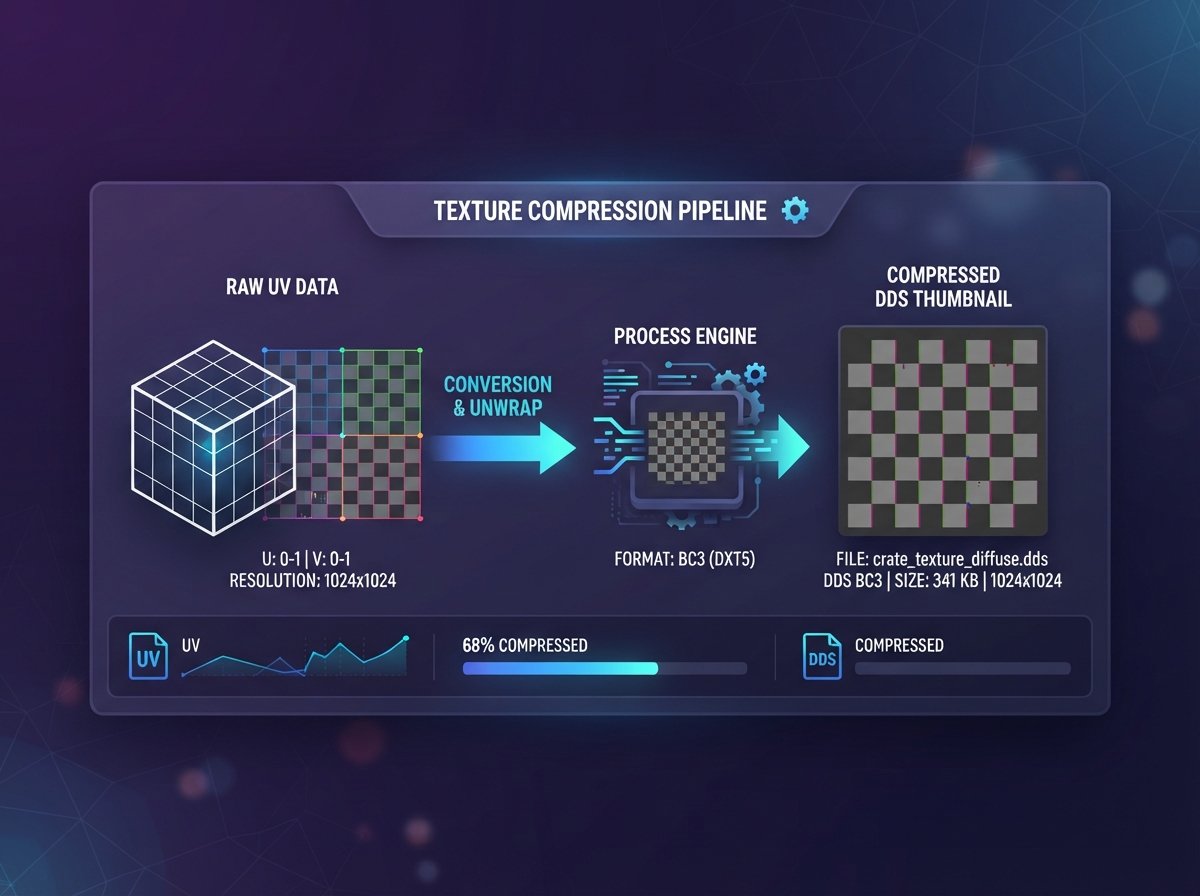
How to Convert Images to DDS Format for Game Textures
DDS isn't a format you stumble into by accident. If you're here, you're probably modding a game, building a texture pack, or exporting assets for Unreal or Unity and just hit a wall because your PNG file won't work. Here's what DDS actually does differently, and how to get your image converted without installing a texture compression tool.
What Is a DDS File?
DDS (DirectDraw Surface) is a container format developed by Microsoft for storing compressed texture data, primarily using DXT (S3TC) compression algorithms. Unlike PNG or JPG, DDS was purpose-built for how GPUs actually read texture data — it can store mipmaps (pre-scaled versions of the same texture for different render distances), compressed color data, and cubemaps all in one file.
This is why almost every major game engine — Unreal Engine, Unity, Source, id Tech — either requires or strongly prefers DDS for shipped textures. It's not about visual quality; it's about how efficiently the GPU can load and sample the texture during gameplay.
Why Game Textures Use DDS Instead of PNG
- GPU-native compression. DXT compression is decoded directly by the graphics card, which PNG's compression is not — PNG has to be decompressed to raw pixels first.
- Built-in mipmaps. A DDS file can store multiple resolution levels of the same texture, so distant objects render with a lower-res version automatically, saving memory bandwidth.
- Smaller VRAM footprint. A compressed DDS texture takes up a fraction of the GPU memory a raw PNG would, which matters a lot once you have hundreds of textures loaded in a scene.
- Modding requirements. Most game modding communities (Skyrim, Fallout, and many Unreal-based titles) require textures in DDS specifically because the game's asset loader expects it.
How to Convert an Image to DDS Online
You can convert without opening a full texture editor like NVIDIA Texture Tools or GIMP's DDS plugin. An online image to DDS converter works directly in the browser:
- Upload your source image — PNG works best if you need transparency preserved.
- Select DDS as the output format.
- Run the conversion.
- Download the .dds file and place it in your game or mod's texture directory.
For quick one-off conversions — swapping a single texture in a mod, testing an asset before a full pipeline export — this is faster than launching a dedicated tool just to change one file.
DDS Compression Types: A Quick Comparison
| Compression | Alpha Support | Typical Use |
|---|---|---|
| DXT1 | 1-bit or none | Opaque textures, smallest file size |
| DXT3 | Sharp/explicit alpha | UI elements, hard-edged transparency |
| DXT5 | Smooth/interpolated alpha | Gradual transparency, most common for general textures |
| Uncompressed | Full | Maximum quality, largest file size |
Most general-purpose online converters output uncompressed or DXT5 DDS by default, which is a safe choice for most modding and asset work. If your engine's documentation specifies a particular compression type, check that before finalizing an asset pack.
Common Problems When Converting to DDS
A few issues come up repeatedly with new modders and texture artists:
- Wrong power-of-two dimensions. Many game engines expect texture dimensions in powers of two (256x256, 512x512, 1024x1024). A DDS file with non-standard dimensions can fail to load or render incorrectly.
- Missing mipmaps. Some engines require mipmap chains to be present in the DDS file itself. A converter that only outputs the base resolution can cause texture flickering at a distance in-game.
- Alpha channel loss from a JPG source. Since JPG has no transparency data, converting a JPG to DDS will always produce a fully opaque texture — start from PNG if you need alpha.
Frequently Asked Questions
What's the difference between DDS and PNG?
PNG is a general-purpose lossless image format meant for storage and display. DDS is built specifically for GPU rendering, with built-in compression and mipmap support that PNG doesn't have.
Can I convert DDS back to PNG?
Yes, most image converters that support DDS as an output also support it as an input, letting you convert a DDS texture back to PNG for editing.
Why do game mods require DDS specifically?
Game engines are built to read texture data in the format their renderer expects. Many older and even current titles hard-code their asset pipeline to only load DDS, so a PNG simply won't be recognized by the game.
Do I lose quality converting an image to DDS?
If the DDS is saved uncompressed, no quality is lost. If it uses DXT compression (DXT1/3/5), there is some quality loss, though it's generally not visible at normal viewing distances in-game.
Is there a file size limit for DDS conversion online?
Limits vary by tool. For most single-texture conversions (under a few hundred MB), a browser-based converter handles it without issue.
Get Your Textures Converted
Whether you're finishing a mod texture pack or exporting assets for a Unreal project, you can skip the software install entirely. Use the free online image to DDS converter to turn your PNG or JPG into a game-ready DDS file in seconds.